Art-Net Controller app icon ART-NET CONTROLLER

Art-Net & sACN DMX control · iPad

A lighting desk where the screen does the remembering.

The power of a professional console, organised around how you actually think during a show. Make light, record it, play it back — safely, with one grammar.

Beta on iPad · iPadOS 17+ Art-Net 3 + sACN (E1.31) 4 universes · 2048 channels
The BUILD room — a grid of recorded looks with faders and sequences

BUILD — looks, faders and sequences, all recorded from one programmer.

Masterpiece simplicity.
Clear structure, with the flexibility to do things your own way — the capability of a full desk, without the wall of switches.

The signal model

How light is actually made

Everything the desk does ends as one number per channel, per universe, sent over the network many times a second. Several sources each have an opinion; a per-channel merge resolves them; two masters scale it; it goes out the wire.

Sources
Programmer · what you touch, wins
Playbacks & cuelists
Submasters (faders)
Shape generator
Per-channel merge
HTP highest wins
LTP latest wins
Masters → the wire
ABCD

Art-Net 3 / sACNGrand + Subs scale the output; only changed frames are sent, up to ~45 fps.

Programmer wins. Whatever you touch right now overrides everything beneath it — grab a channel and it moves, no matter what a cue is doing. Intensity piles up HTP; colour and position pick one source LTP. Each channel is tagged with the rule it follows.

Three rooms

Define the rig, build the show, run it

The desk splits the work into three rooms you switch with one tap. The split isn't cosmetic — it's the main safety mechanism.

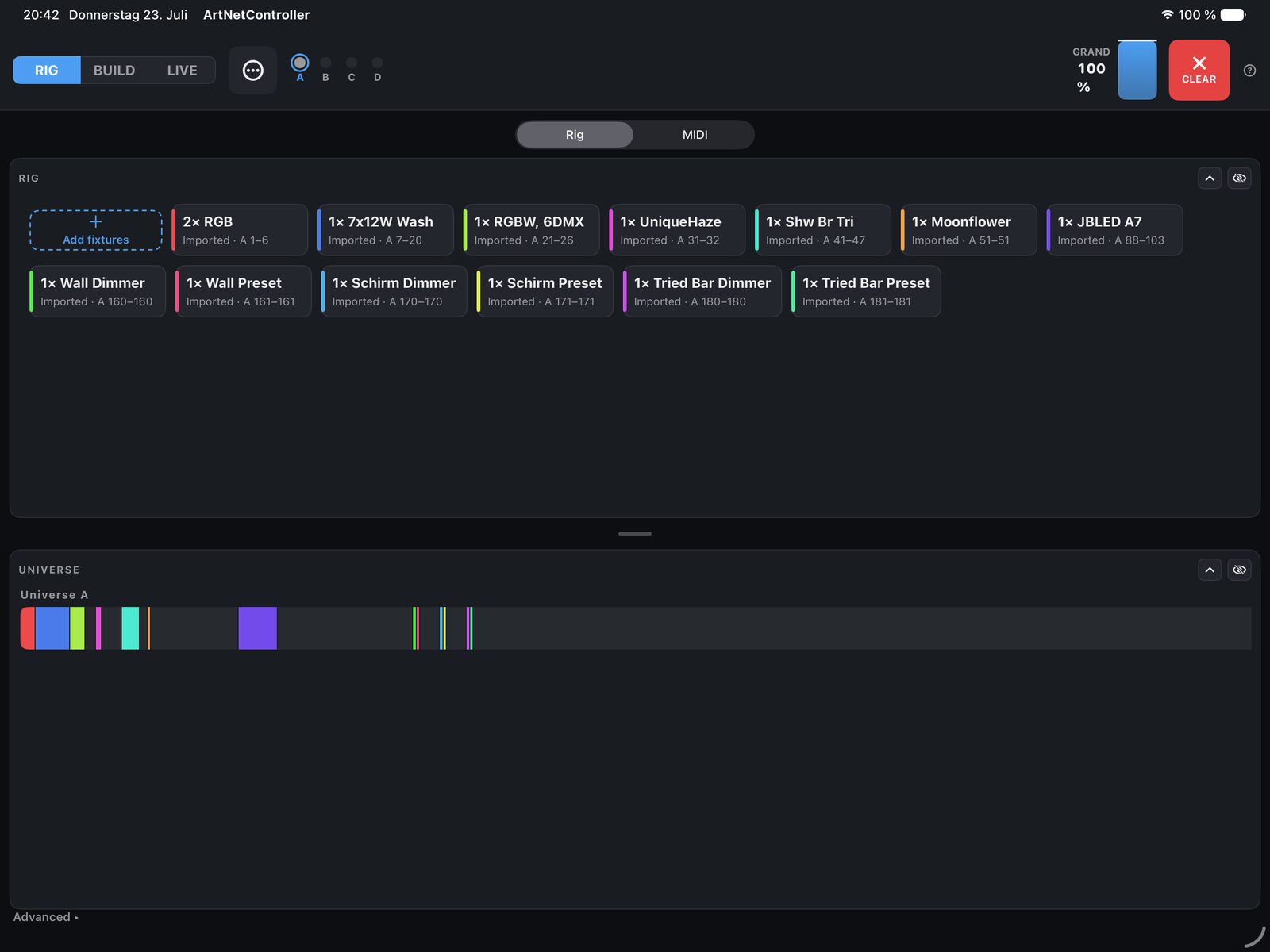
RIG
Define the rig

Patch fixtures, address them, name and colour them, set up MIDI. What you have, before any show exists.

BUILD
Make & store looks

Make light in the programmer; record it into looks, faders and sequences. Editing lives here — and only here.

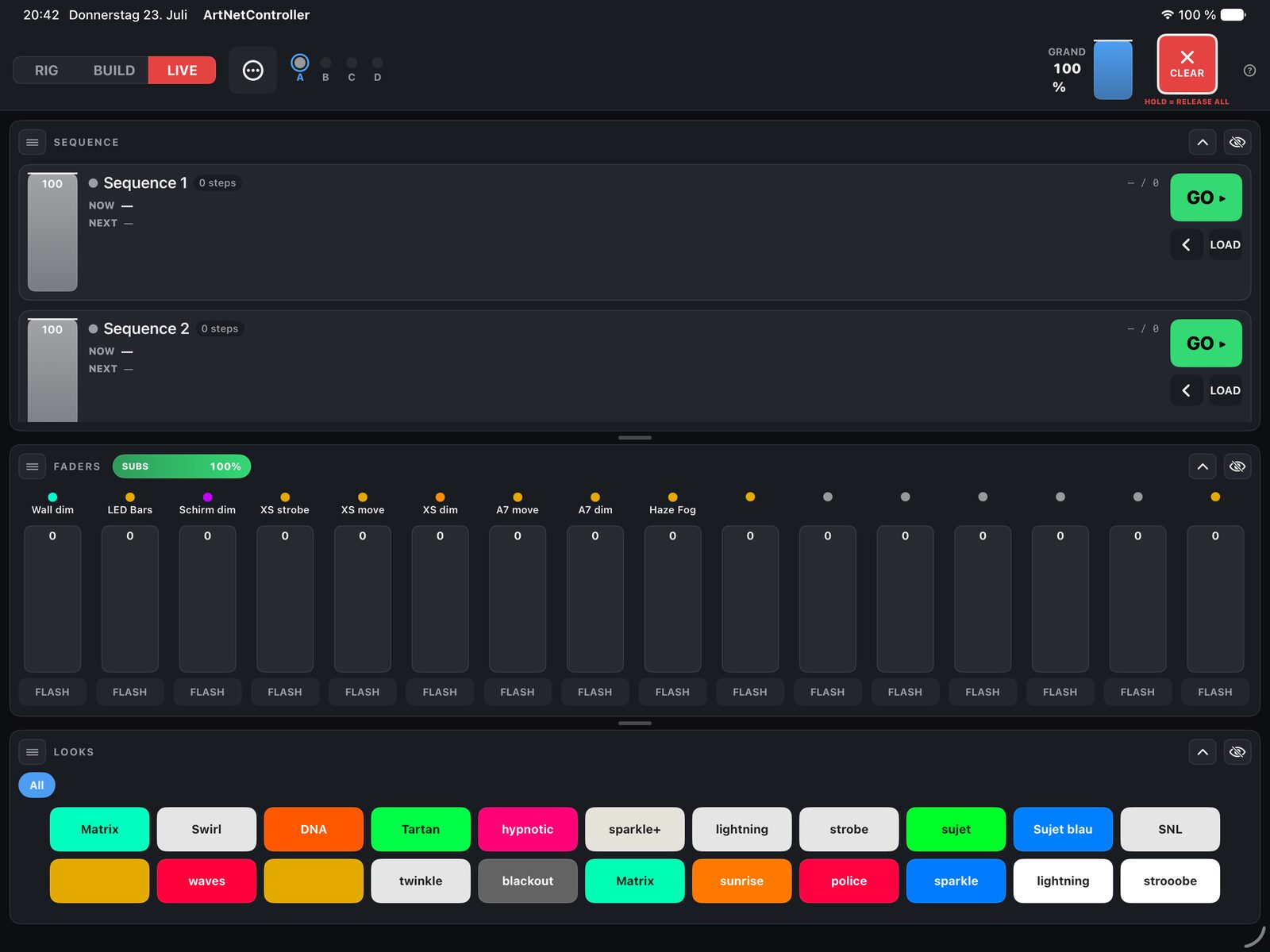
LIVE
Run the show

Apply looks, ride faders, fire GO. Every record and edit control is removed on purpose — a stray tap can't overwrite your show.

On the desk

Everything a professional desk does — made legible

Programmer

One scratchpad, always on top

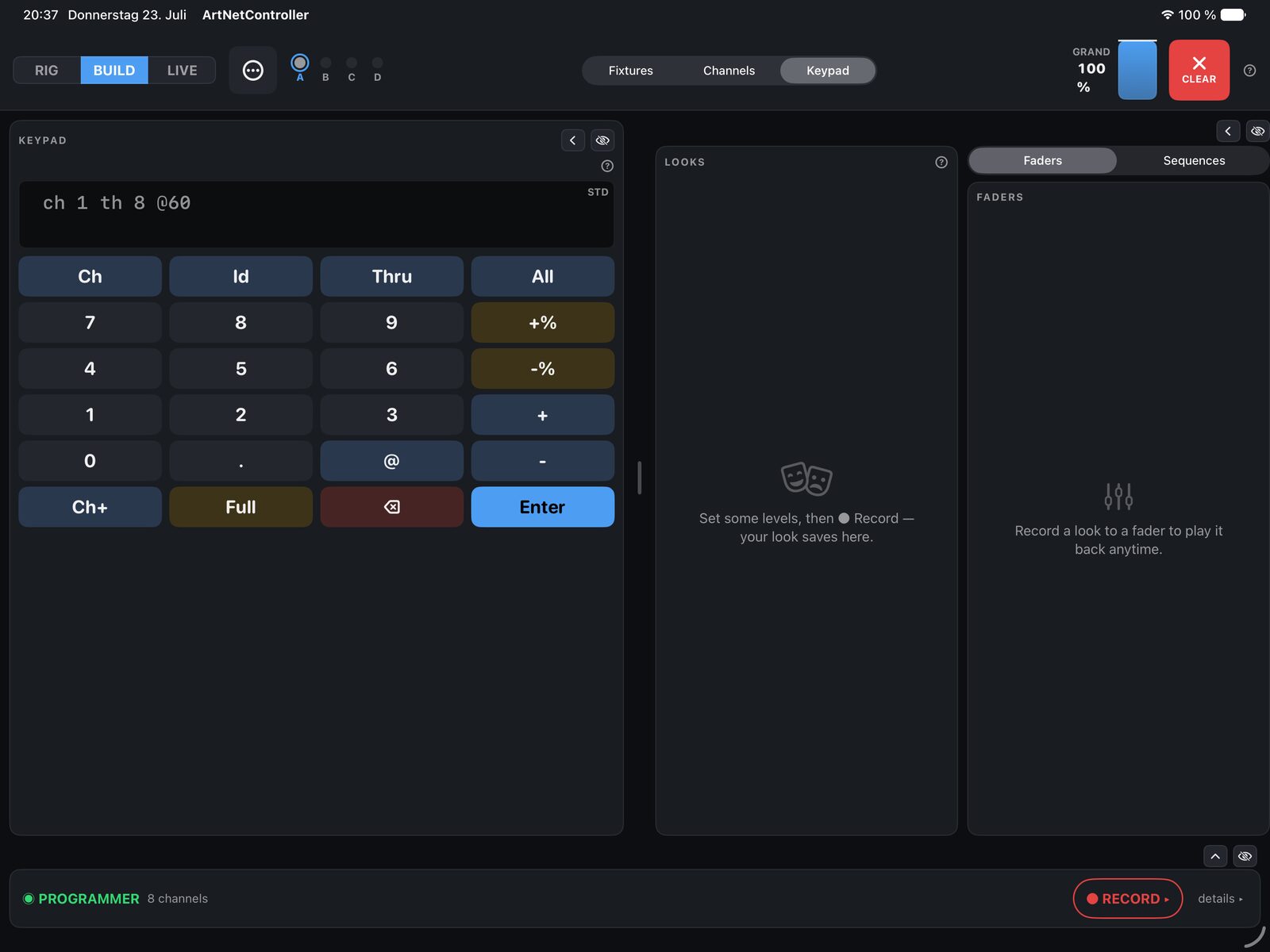
Touch a channel, dial a colour, position a mover — it lands in the programmer as a green bar and sits above everything until you record or clear it.

Record

Two taps, no mode

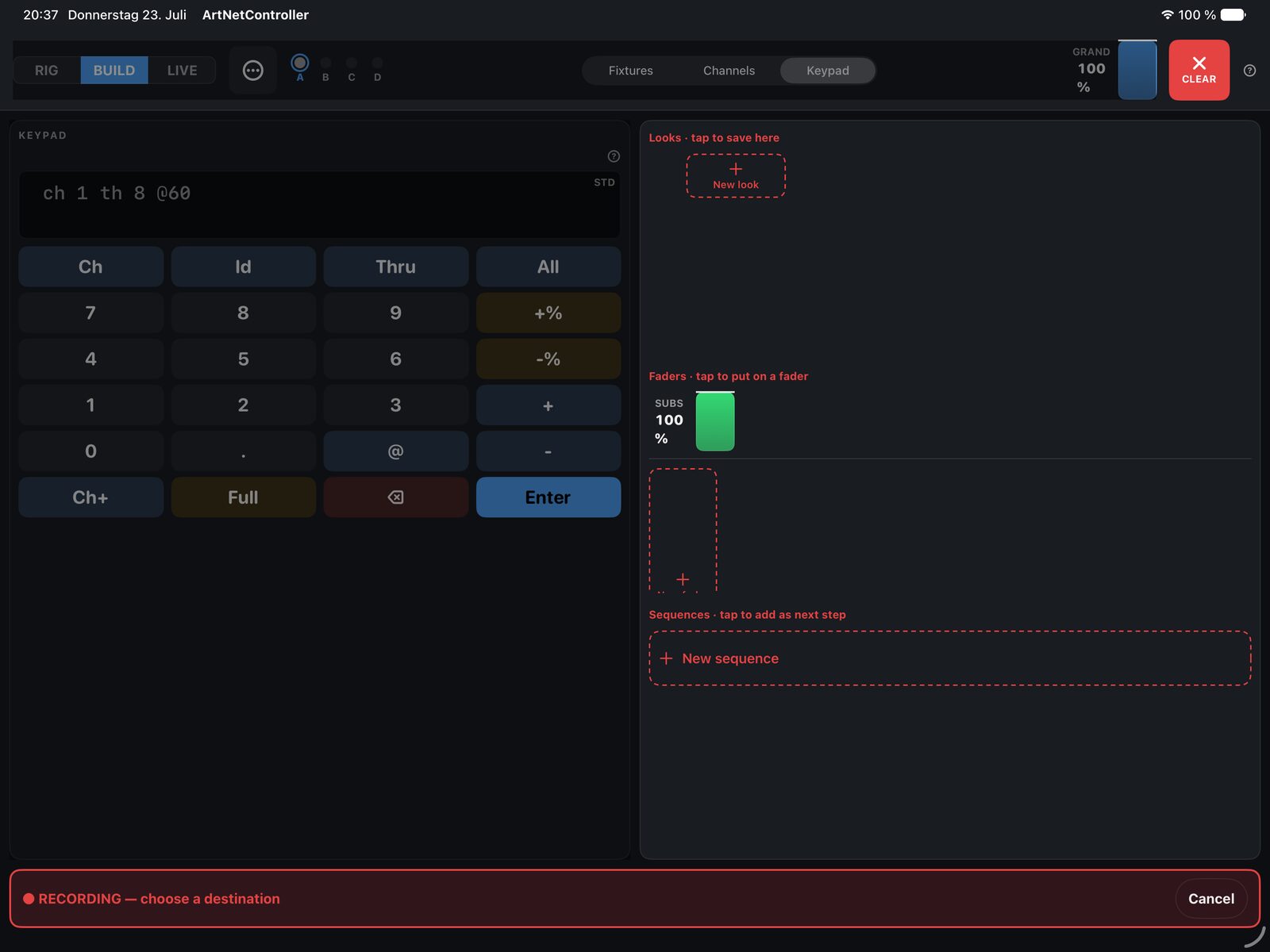
Tap RECORD and the desk shows every place a look can live — a Look, a Fader, or a Sequence step. Tap the target. No record mode to toggle.

Playback

Looks, faders & sequences

A look is a button you tap; a fader is that look on a handle you ride; a sequence is looks in order with fade and wait, advanced by GO. They stack, they don't fight.

MIDI

APC mini, lit to match

Map pads to looks, faders and macros. The controller's own LEDs mirror desk state live — green for captured, red for armed — so the surface reads at a glance.

Panic

One gesture back to black

CLEAR exists exactly once, top-right, in every room. A tap empties the programmer; a hold instantly blacks out every fader, sequence and playback, with no fade.

RDM

Remote device management

A full RDM controller for discovering and configuring fixtures over the wire, framed as a diagnostic tool under RIG › Advanced.

Output

Four universes, two protocols

Up to four universes of 512 channels each, independently addressed, over Art-Net 3 or sACN (E1.31) — with a live output view to prove the numbers.

The show

Autosaves from the first edit

A new show gets a working name immediately, so your programming has a home the instant you start. Save with a name for a portable .show.zip you can hand off or back up.
Screens

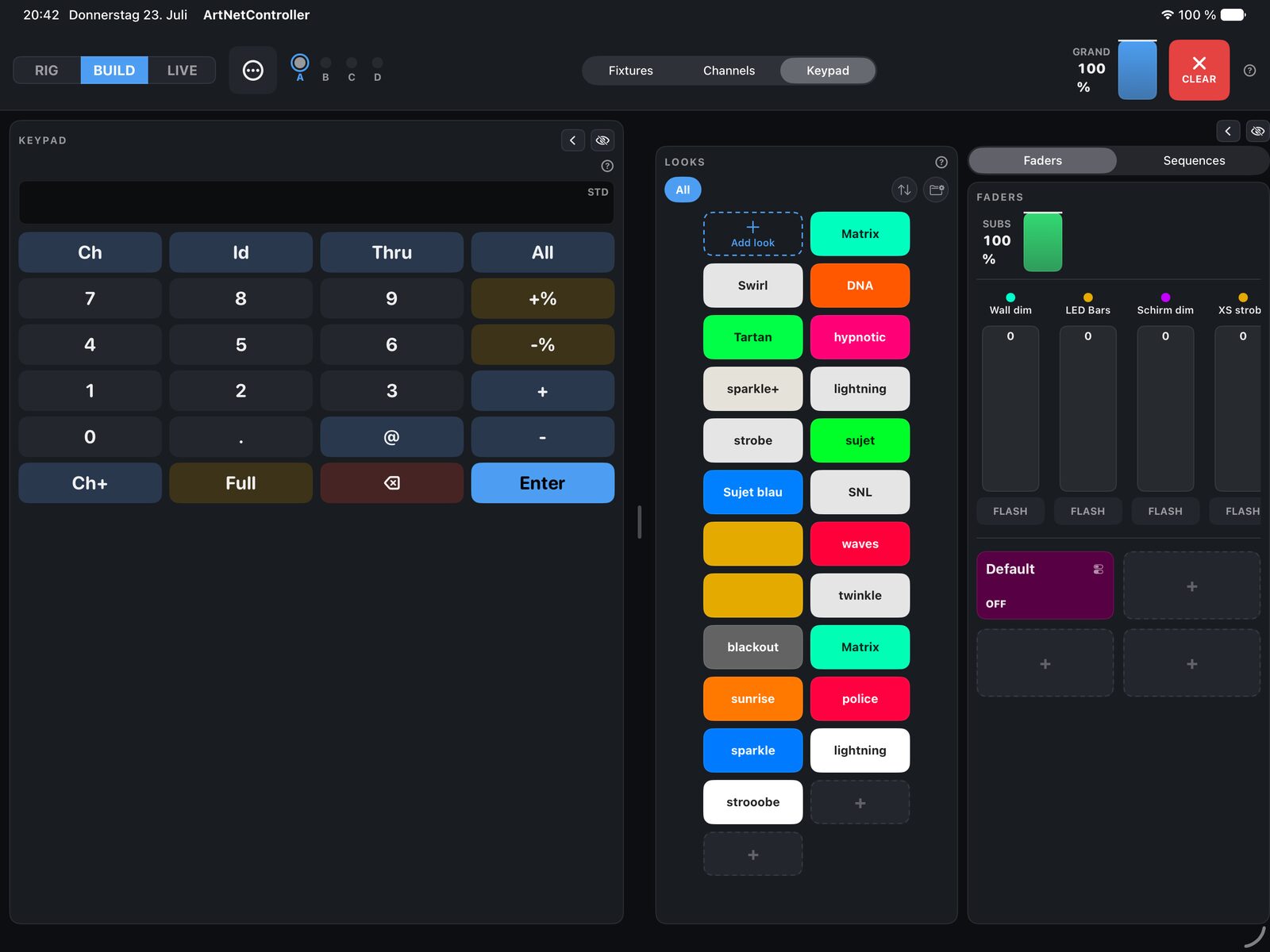
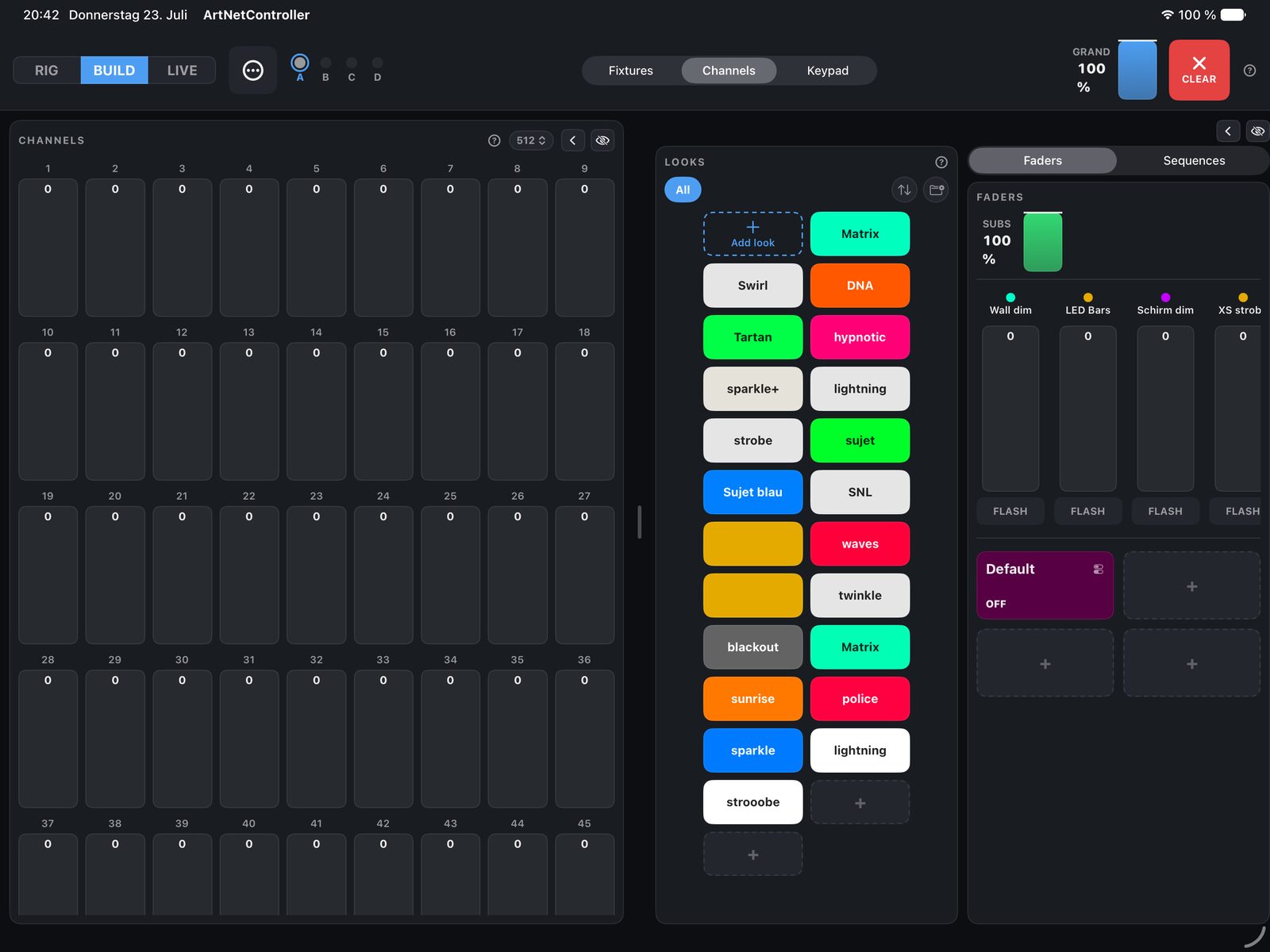
The desk, in use

Documentation

Read before you fly

Three PDFs — one to get running fast, one on the thinking behind the desk, one that labels every control on the screen.

Honest edges

What this build is, stated plainly

Running on iPad inherits a few of the platform's constraints. Rather than hide them, the design names them at the point they matter.

Output is unicast for now

This build reaches a node by its typed-in IP — one extra field, and it works exactly as well. Broadcast and multicast are gated behind a pending Apple entitlement.

Foreground only

iOS won't run the app in the background or on boot. Guided Access with the screen kept on is the honest setup for a fixed installation.

One MIDI port in, one out

The desk talks to a single surface. Several APC minis need a hardware merger into one port, which does the combining.

RDM is unproven on hardware

The full controller is implemented and software-verified, but hasn't yet met a real gateway. Treat it as a diagnostic tool, not a showtime control.